
Space, and there it is.
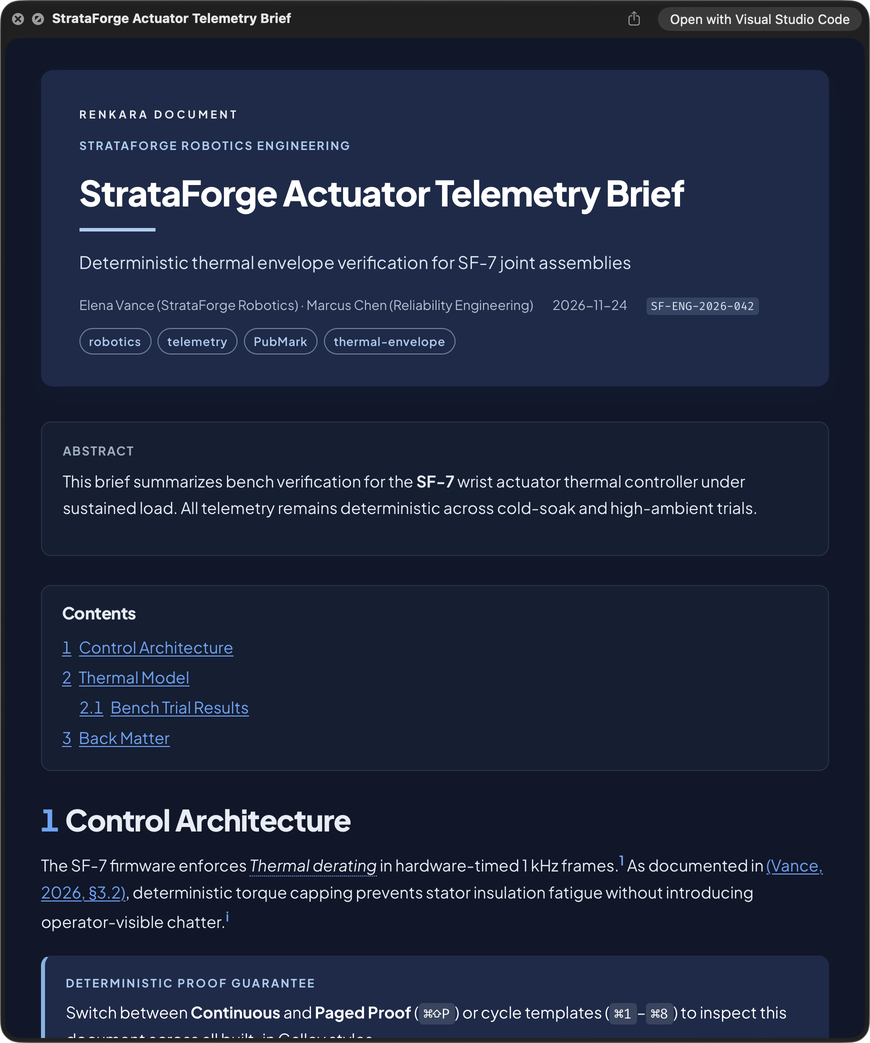
Select a PubMark or Markdown file in Finder and press Space. Galley's Quick Look extension renders it as a typeset page, offline, and its thumbnail extension gives Finder a drawn page with a corner badge for the icon.

What Finder shows
Both pictures are real. The panel is the Space bar in Finder on a fictional StrataForge document, and the thumbnails come from macOS's own thumbnail generator asking Galley's installed extension.
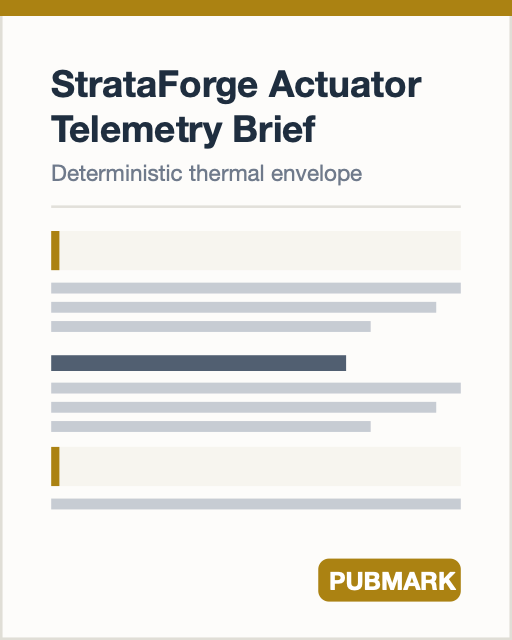
A PubMark file: the PUBMARK pill. 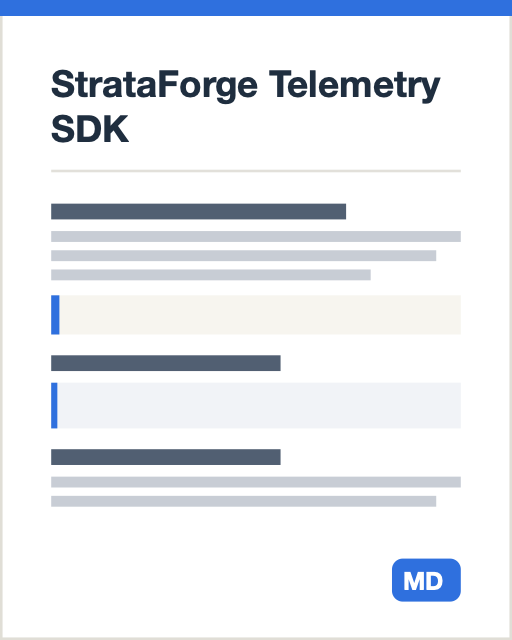
A Markdown file: the MD pill. 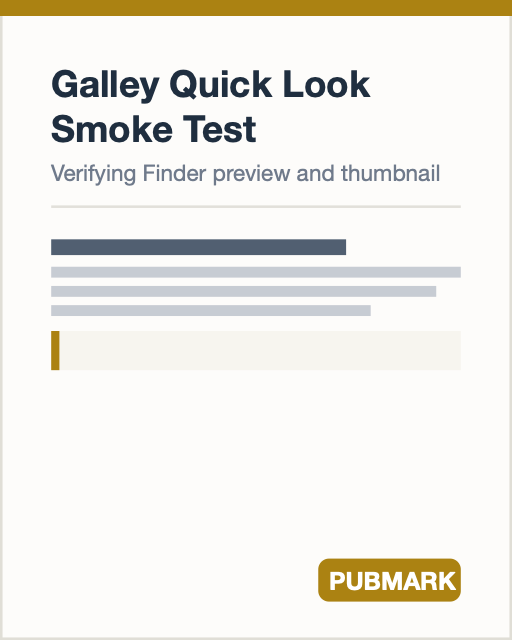
The repository's own smoke-test file, from its ql-smoke script's request.
Why .pub.md needs two registrations
To macOS, a file named report.pub.md has the extension md, so it is a Markdown file. A Quick Look extension that claims only a PubMark type never sees it, and one that claims only Markdown cannot tell it from any other note.
Galley handles both ends. It exports its own PubMark Document type, com.renkara.pubmark, which conforms to the Markdown type and to plain text, and declares both that type and the Markdown type in the preview extension's supported types and in the app's document types. At run time it decides a file is PubMark from its .pub.md or .pubmark name or from a pubmark front matter line, and treats anything else as Markdown.
A data-based preview with no network and no script
- The extension parses the file, renders it with the same GalleyKit engine as the app, and hands Finder a finished HTML page as data. It never opens a web view of its own.
- It carries the App Sandbox and the shared app group, and no network entitlement.
- Its policy is the strictest Galley has: no raw HTML, no document stylesheets, no outside resources, and no relative file access. A strict content security policy with a fresh nonce is on every page.
- The page has no script. What needs one stays plain in Quick Look: math is set as static type, a Mermaid diagram shows its source, and code is not highlighted. The app draws all three with its bundled KaTeX, Mermaid, and Highlight.js.
- A file larger than the source cap (10 megabytes by default) is cut off rather than parsed whole, so a huge file cannot stall Finder.
- Quick Look uses the template you choose for it in Settings. The default is Renkara Editorial.
A page drawn in Core Graphics, in a process with no web view
- The thumbnail extension reads at most the first 32 kilobytes of the file, parses them, and draws the title block and the shape of the blocks under it with Core Graphics and Core Text.
- A pill in the corner says PUBMARK or MD, so a folder of mixed files tells you what each one is.
- It never starts WebKit.
- Thumbnails do not change with the appearance, so one picture serves both themes.
A health panel for Quick Look
Another Markdown Quick Look extension can claim the Markdown type ahead of Galley. Settings has a Quick Look tab that shows whether each of Galley's two extensions is registered and enabled, lists any competing Markdown extensions it finds, and opens the Quick Look pane of System Settings for you.
Questions about this tool?
Write to Renkara Media Group and a person will answer.